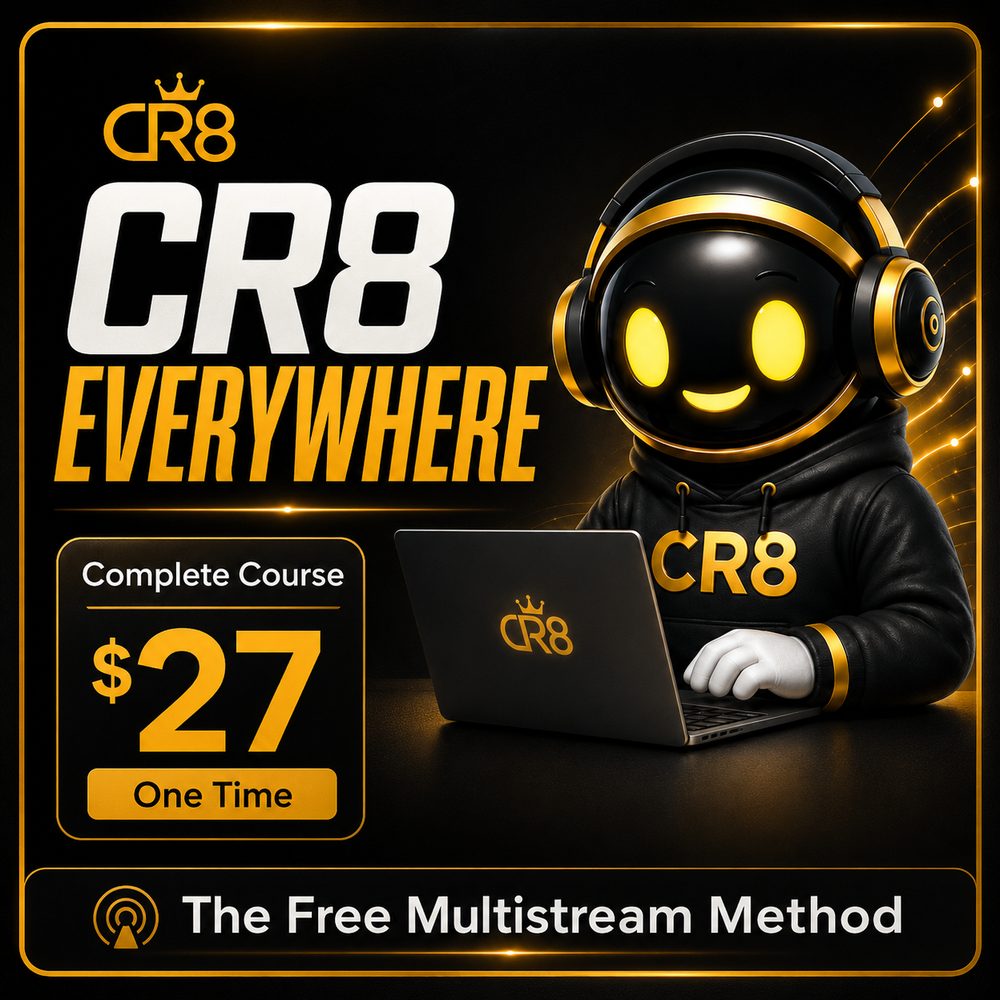
Discover the exact free setup, settings, and process I use to broadcast one livestream to multiple platforms.
Use powerful tools without monthly fees.
Beginner friendly. No tech experience needed.
Go live on several platforms at the same time.
Fix common errors and stream with confidence.
A system that works. Used in real live events.
You already created the content. You already purchased the equipment. You already built audiences on multiple platforms. But when it is time to go live, another company wants another monthly subscription. CR8 Everywhere gives you a tested process for creating your own free multistreaming setup without wasting hours piecing together disconnected tutorials.
Discover the exact tools and follow the correct installation process.
Add your camera, microphone, screen share, videos, graphics, overlays, and countdown screens.
Learn how to organize and connect the supported streaming destinations available to your accounts.
Follow the correct order for starting your main broadcast and additional destinations.
Troubleshoot missing controls, encoder errors, connection problems, lag, and audio issues.
Run a private test and verify every destination before beginning a public livestream.
Complete step-by-step video training
Lifetime access to the current course
Exact tool reveal inside the course
Installation walkthrough
Computer and internet readiness guidance
Platform connection training
Camera and microphone setup
Audio and video troubleshooting
Encoder-error solutions
Private test process
Basic preflight checklist
Go-live preparation process
Content creators
Coaches
Consultants
Podcasters
Educators
Virtual-event hosts
Churches
Community organizations
Interview hosts
Small-business owners
Founder story
I needed to broadcast my virtual event to multiple destinations, but I did not want another monthly software bill. The free setup worked, but getting there required solving missing controls, inactive encoders, stream-key confusion, audio problems, and the correct startup order. I organized everything I learned into one simple system so you can follow the process without repeating the same trial and error.
$27 ONE TIME
Secure checkout. No monthly course fee.
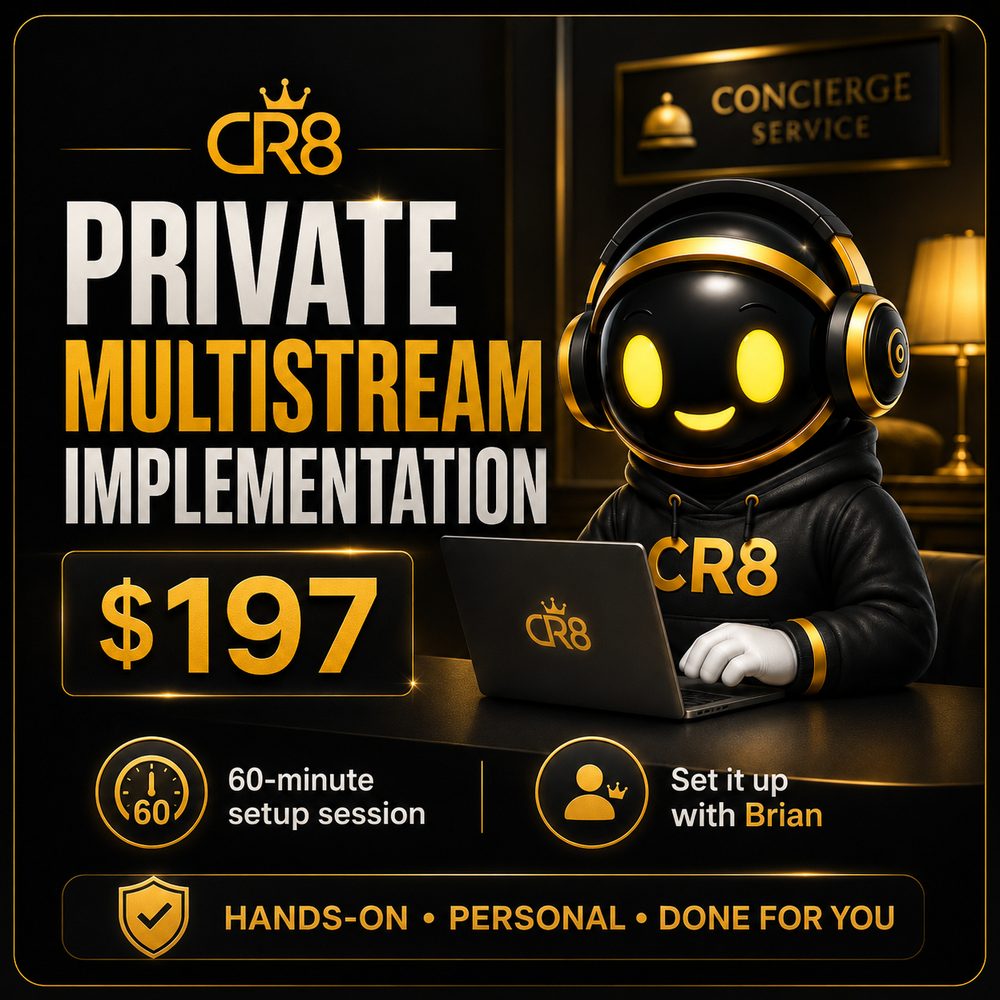
After purchasing the course, you will have the opportunity to add a private implementation session for hands-on setup assistance.
START WITH THE COURSEThe course teaches a method using free broadcasting tools available at the time of recording. Third-party companies may change their features or pricing in the future.
Yes. The software, downloads, installation process, settings, and setup instructions are revealed inside the purchased course.
You can connect supported destinations for which your account has the required external livestreaming access.
No. Each platform controls account eligibility, external encoder access, and stream-key availability.
Your computer and internet connection must be capable of processing and uploading your selected broadcast quality. The course includes readiness guidance and lower-resource recommendations.
No. The training is designed to walk beginners through the process step by step.
No. CR8 Everywhere is independent educational training and is not affiliated with or endorsed by third-party broadcasting software or social-media platforms.
Build the setup. Connect your destinations. Run the test. Go live.
START CR8 EVERYWHERE — $27